Never wonder
who to call next.
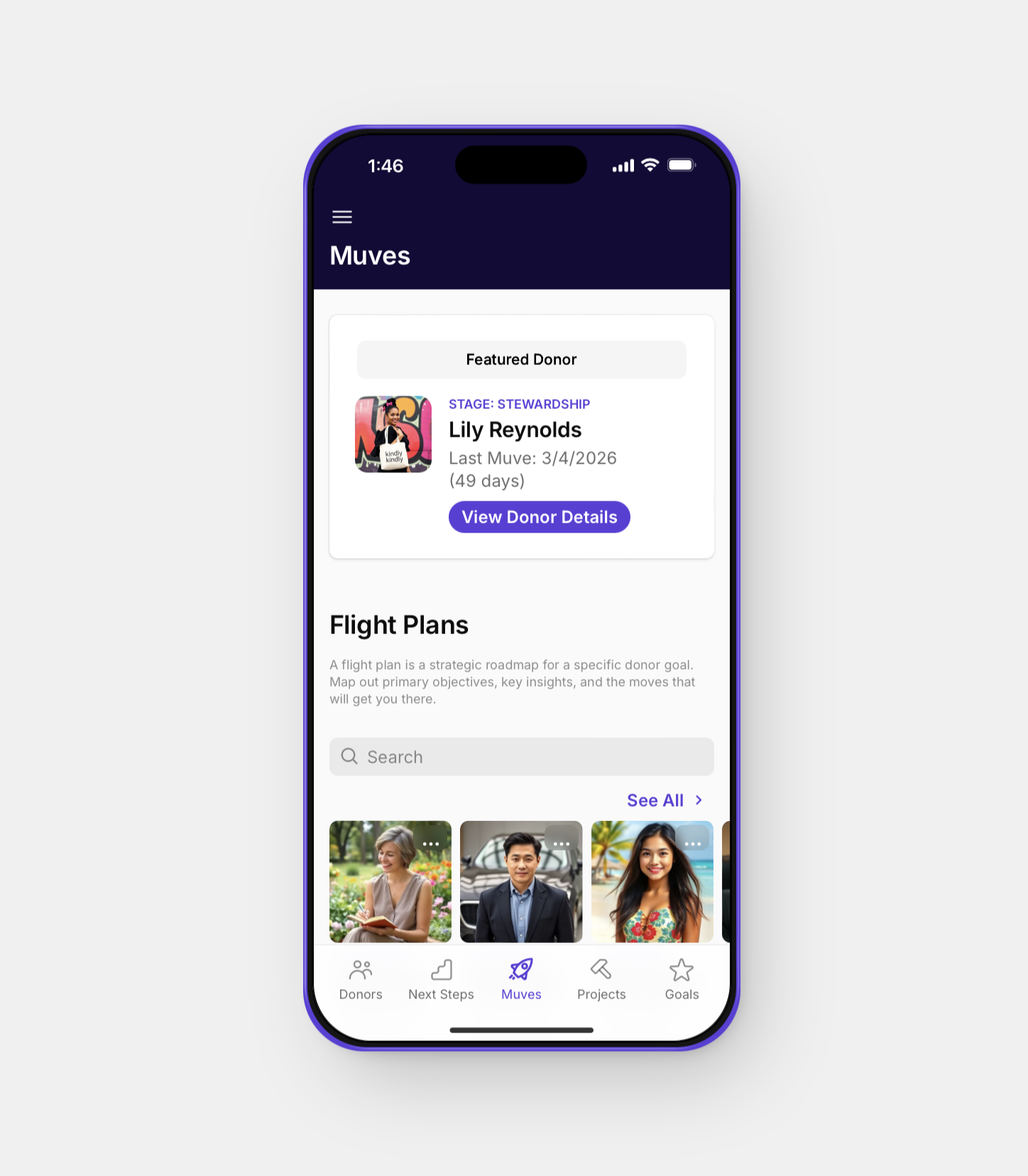
Muves helps you focus on what matters: who to reach out to, what to prioritize, and how to stay consistent—with zero CRM overwhelm.
And it’s built to get smarter about your next move over time.

About
I built Muves because I kept going back to spreadsheets.
Years ago, buried in spreadsheets and sticky notes, I wanted one place to see my portfolio, track next steps, and never drop a donor.
I tried CRM dashboards. Then back to spreadsheets. Again and again. So I built something different.
Muves is designed around how fundraisers think:
Who needs a touchpoint?
What’s my next move?
Who gave last year but not this year?
Finally—an app that asks the same questions you do. Built by an MGO. For MGOs.
— Jason Smith, Founder & Major Gifts Officer
What is Muves?
Moves Management
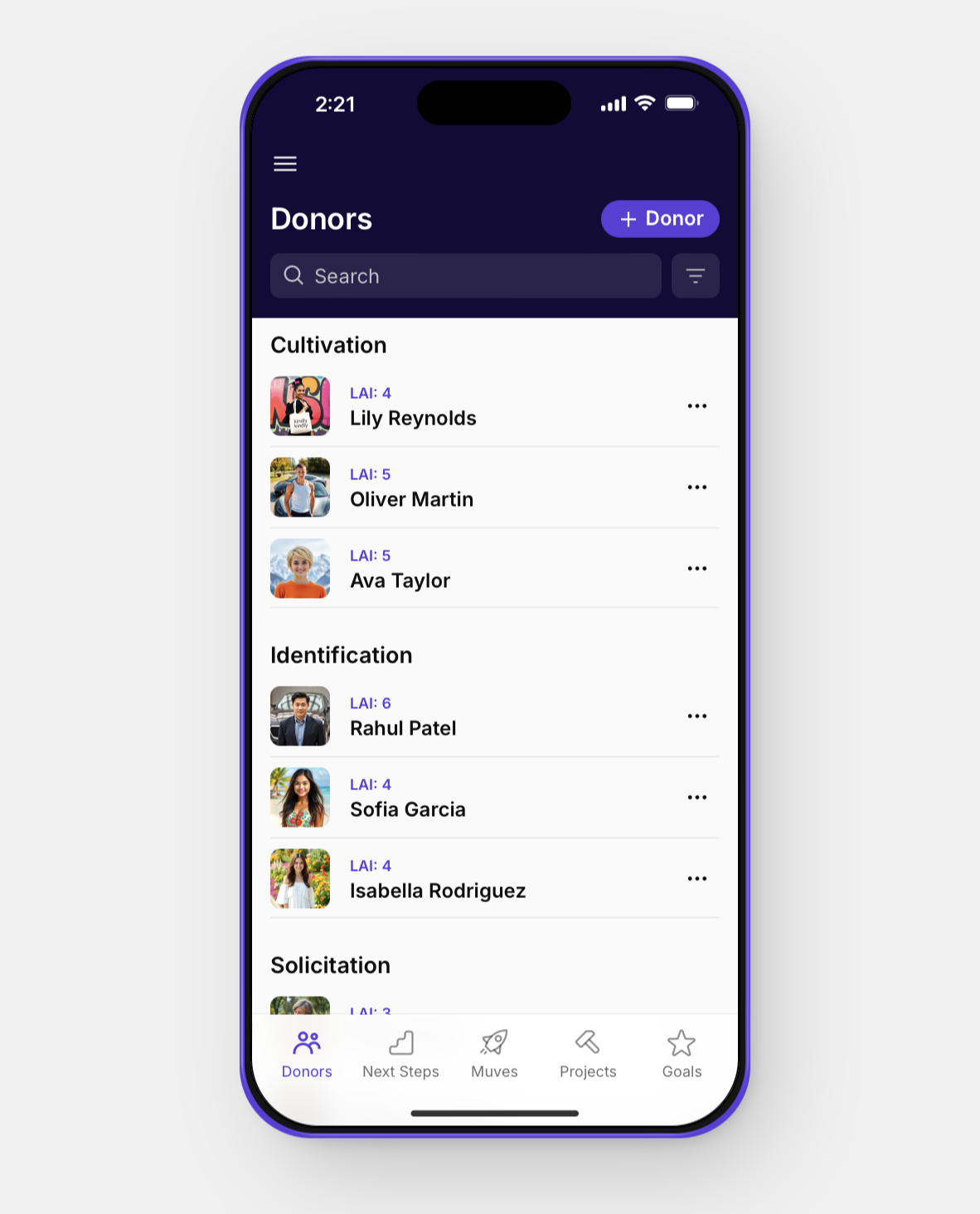
Muves is moves management—simplified.
See your entire portfolio in one place.
Know exactly who needs attention today.
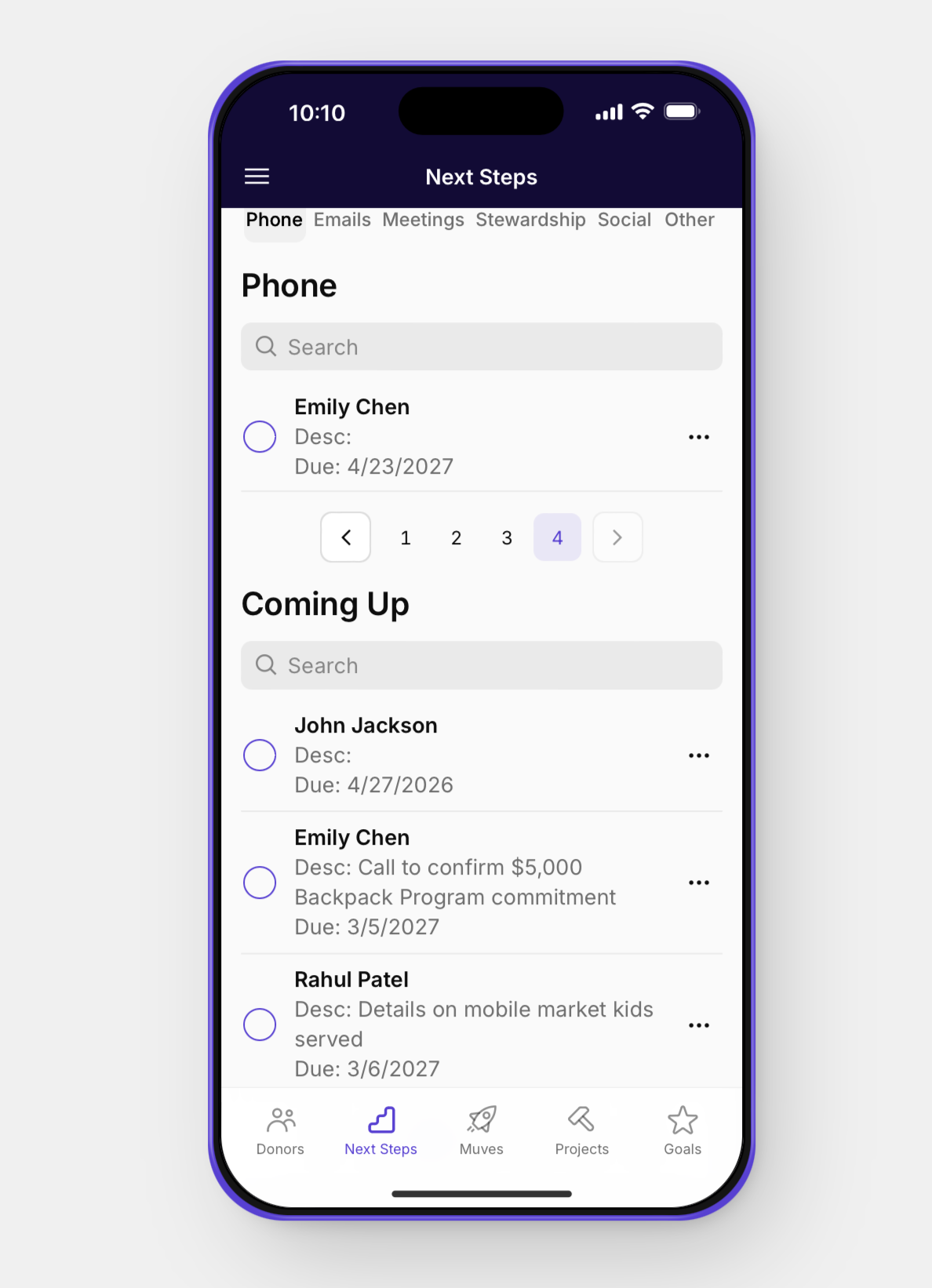
Track your next steps without losing momentum.
A Daily Workspace
Muves sits alongside your existing workflow—on mobile or desktop. It doesn’t replace your CRM—it helps you zoom in on your portfolio.
Think of it as your daily workspace for managing donors, while your CRM remains your system of record.
Muves starts by helping you stay organized and consistent.
Over time, it’s designed to help surface your next best move—so you can spend less time deciding and more time connecting.
A Tool for Clarity
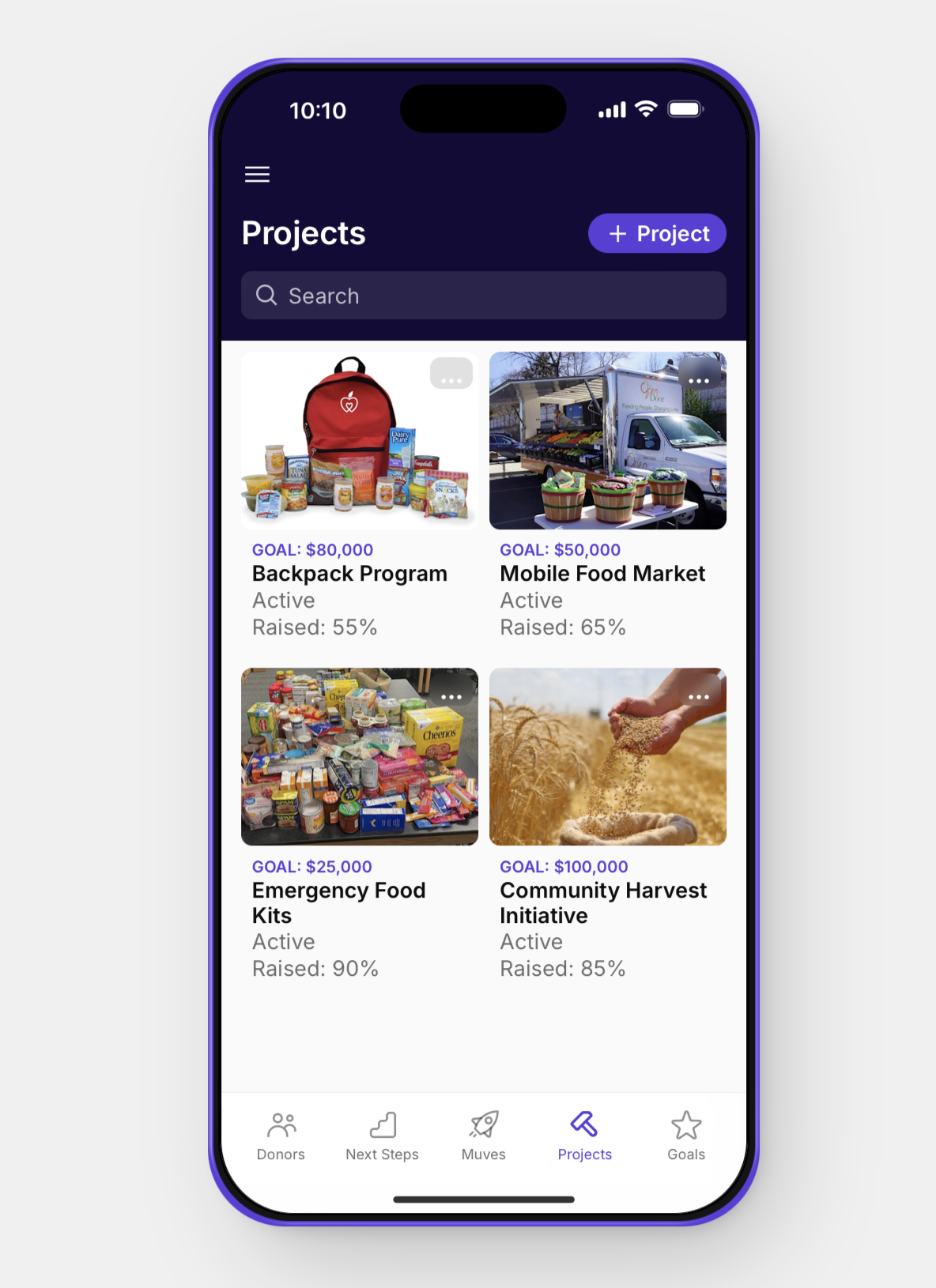
Most fundraising tools are built to store data.
Muves is built to help you act on it—consistently.
No clutter. No endless dashboards. Just clarity on your next move. Because in major gifts, momentum is everything.
Questions?
-
Fundraisers managing donor portfolios—especially those tired of juggling spreadsheets, CRMs, and scattered notes.
-
CRMs are built to store information.
Muves is built to help you act on it.
It focuses on one thing: helping you know who to contact and what to do next.
-
No.
Muves works alongside your existing system. Your CRM remains your system of record.
-
Yes. Muves is built with privacy and simplicity in mind.
Muves does not sell, share, or expose donor data—ever.
Muves is not a replacement for your CRM. Your CRM remains your system of record. Muves simply helps you focus on what to do next.
In early versions, you control what information you choose to include. As integrations are added, Muves will only access the minimum data needed to help you manage your next steps.
We believe donor relationships are built on trust—and the tools you use should honor that.
-
No.
Muves is designed to be lightweight. You can start simple and use only what you need.
-
Not in the way you might expect.
Muves is being designed carefully to help you make better decisions about your portfolio, starting with clear visibility and consistent next steps.
Over time, it will evolve to offer smarter suggestions about who to contact and when.
But the goal is not more complexity, it’s better clarity.
Ready to launch
into major gifts?
Get early access to Muves
and simplify your portfolio.
No credit card. No commitment.
Get Updated!
Sign up for our newsletter list below.